

POST /api/v1/assetsdoes not generate by default. It returns a price quote and creates nothing. Resend the identical body with"mode": "generate"to run it.- Create a project first and pass
project_idon every related generation. Omit it and each request becomes its own single-asset project instead of one library.
Working with an AI agent? Give it
/llms-full.txt on this site — every page of these docs in one file. Any single page is also available as Markdown at its URL plus .md, and /llms.txt indexes them all.Main use cases
Every generation is driven by a prompt plus 1–24 reference images of a single asset. The use cases below differ in where those images come from and how many assets you generate, not in which endpoint you call.Real-to-sim
The main use case: turn an object that exists in the real world into the asset a robot trains against in simulation. Photograph the object from several angles, submit the images alongside a prompt naming its parts, articulation, and real-world dimensions, and the generation returns a twin with colliders, rigid bodies, and revolute or prismatic joints for the parts that move. Add a reference image per articulation state — a door closed and open, a drawer extended — to pin down motion that prose cannot.Scene and task assets
Reproduce the props a manipulation task needs from imagery you already have: product photos, catalogue renders, or a publicly hosted image passed by URL. Use this when the object is not in front of you to photograph but you still need it in the scene.Asset libraries
Group many generations under one project to build the library for a scene, a robot, or a randomization set, then track the whole batch through a single request instead of polling each asset.Core concepts
These terms carry the whole API. They are used with these exact meanings throughout the docs and the API Reference tab.Generation
A generation is the unit of work: onePOST /api/v1/assets request produces one asset. “Generation” names the job, “asset” names what it produces, and a single id identifies both. Generations are asynchronous — the request returns immediately and the work continues in the background.
Project
A project is a named group of related assets — the top-level container every generation lives in. Put everything you make for a single purpose in one project. What counts as one purpose depends on what you build:- Robotics and simulation — the props one manipulation task needs, every object a robot meets at one work cell, or the variants of an object class for domain randomization.
- Games — the prop set for a single level, biome, or character loadout.
- AR, VR, and web 3D — one catalog or collection of products to preview in the browser.
- Digital twins — every machine and fixture on one production line.
- Film, animation, and archviz — the set dressing for one scene, posed and edited in Blender.
project_id and the API creates a single-asset project named from your prompt — right for a one-off, but a batch submitted that way becomes many unrelated projects instead of one library.
So whenever the assets belong together, create the project first and pass its project_id on every request. Grouping them buys you:
- One status call for the batch.
GET /api/v1/projects/{project_id}returns aggregate counts across every generation, instead of polling each asset. - A queryable library.
GET /api/v1/assets?project_id=…pages the set and filters it by status. - One place to review the result. The project is the page you open in the app to inspect the whole set together.
Prompt and references
A generation is specified by a prompt plus 1–24 reference images of a single object. The prompt is the specification — real-world dimensions, which parts stay separate, how the asset will be used, what may be simplified — and the references pin down geometry and articulation states that prose cannot. Anything you leave out is decided for you. See Generate assets.Effort and complexity
config.effort — low, high (default), or max — is the only quality dial, trading response time and credits against generation quality. Moonlake independently classifies each request as simple, moderate, or complex. Effort and complexity together determine the price. See Choose generation effort.
Quote and generate mode
POST /api/v1/assets does not generate by default. Without "mode": "generate" it returns a price quote and creates nothing; resend the identical body with the mode set to commit. See Quote credits before creating an asset.
Credits
Submitting reserves the quoted price up front, and that price is final: acompleted generation is charged it, a cancelled one stays charged, and only a failed one is refunded. Credits, the 100-active-generation concurrency cap, and your API key are all scoped to your account. See Concurrency and credits.
Status
A generation moves frompending to processing to one terminal state: completed, failed, or cancelled. There are no webhooks — poll the asset every 30–60 seconds, which is unmetered, or wait for the completion email. status_reason explains the current state and, on failure, begins with a stable code such as TIMEOUT or REFERENCE_FETCH_FAILED. See Generation lifecycle.
Artifacts
A completed generation returnsresult.artifacts: the same asset in every format Moonlake produces, never a request-time choice. Each artifact carries a presigned download_url valid for seven days, re-signed whenever you retrieve the generation. See Output artifacts.
How it fits your pipeline
If you build robot-learning environments, the API supplies the assets at the front of your pipeline. Submit a generation, poll it until it finishes, then download the result.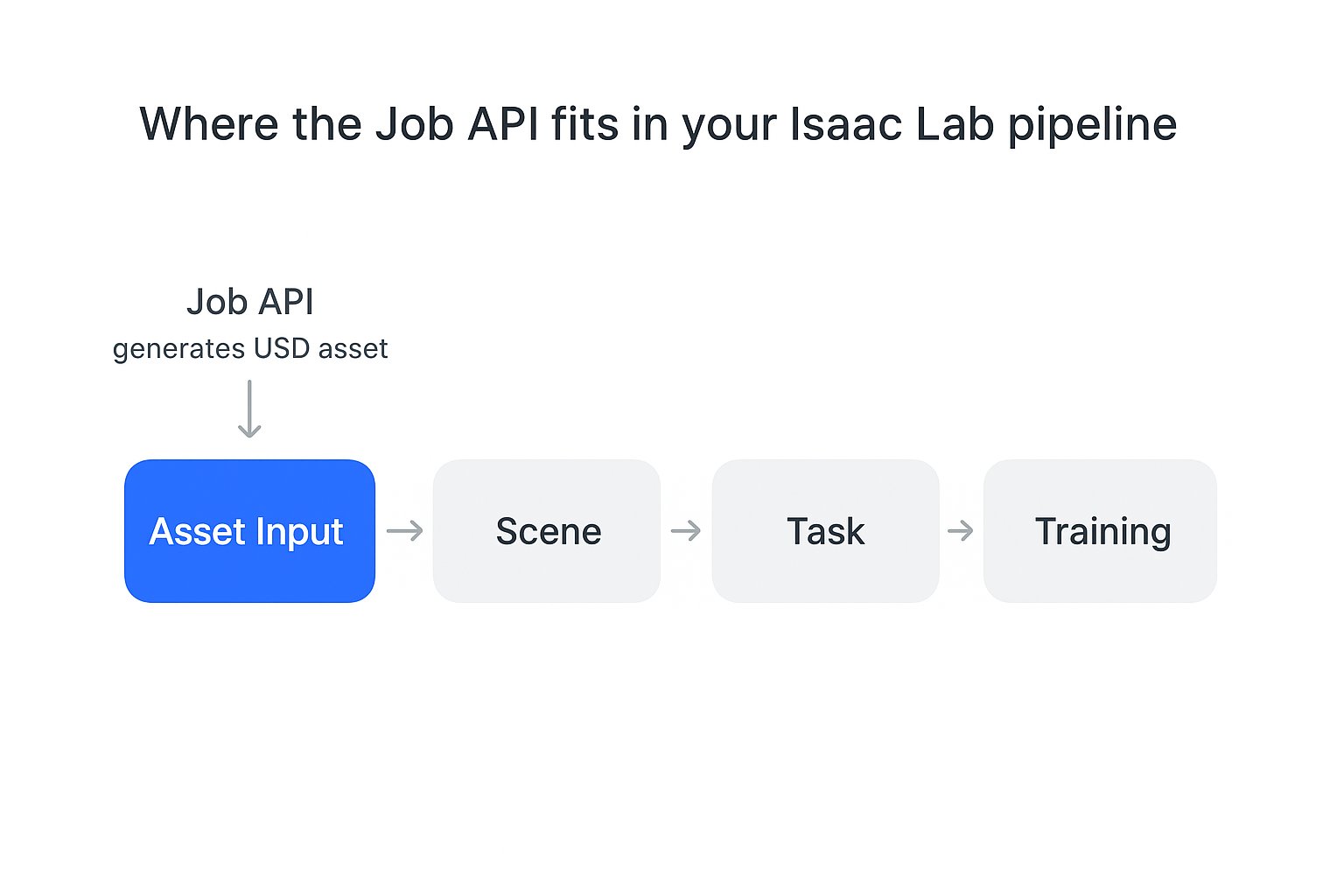
The Asset API produces the asset inputs your Isaac Lab pipeline builds on.
Choose your path
Quickstart
Create one asset, wait for it, and download its simulation-ready USD.
Generate assets
Choose effort and provide references from URLs, uploads, or base64 data.
Projects and batches
Group generations and track a whole asset library.
Output artifacts
Understand the USD, Blender, and GLB files a generation produces.