

project_id on every request. Omit project_id and each POST /api/v1/assets creates its own single-asset project named from your prompt, which is what you want for a one-off and not what you want for a batch.
Create a project
Create the project up front and retain itsproject_id.
Group without tracking a project id
Retaining aproject_id between calls means carrying state — awkward for a script that runs on a schedule, and often skipped entirely by a coding agent that treats each request independently. Send an Idempotency-Key instead and the same key resolves to the same project for as long as that project exists, so every run groups itself with no bookkeeping.
201. While that project exists, later calls with the key return the same project_id with 200, so you can call it unconditionally at the start of each run and pass the result to POST /api/v1/assets. Deleting the project releases the key: the next call creates a new project and returns 201 again.
Choose a key that is stable for everything you want grouped and different for everything you don’t — a release version, a dataset name, or the month. Keys are scoped to your account, so they cannot collide with another customer’s.
The key identifies the project; the
name is only a display label used when the project is first created. Renaming a project later does not break the grouping, and reusing a key with a different name returns the existing project unchanged rather than an error.Generate an asset library
Pass the sameproject_id with every asset request. This is client-side fan-out: each request produces a different asset and runs independently. The example assumes references is a valid reference list from Generate assets.
python
At most 100 generations per account can be
pending or processing. Pace a large batch and retry on 429 as earlier generations finish.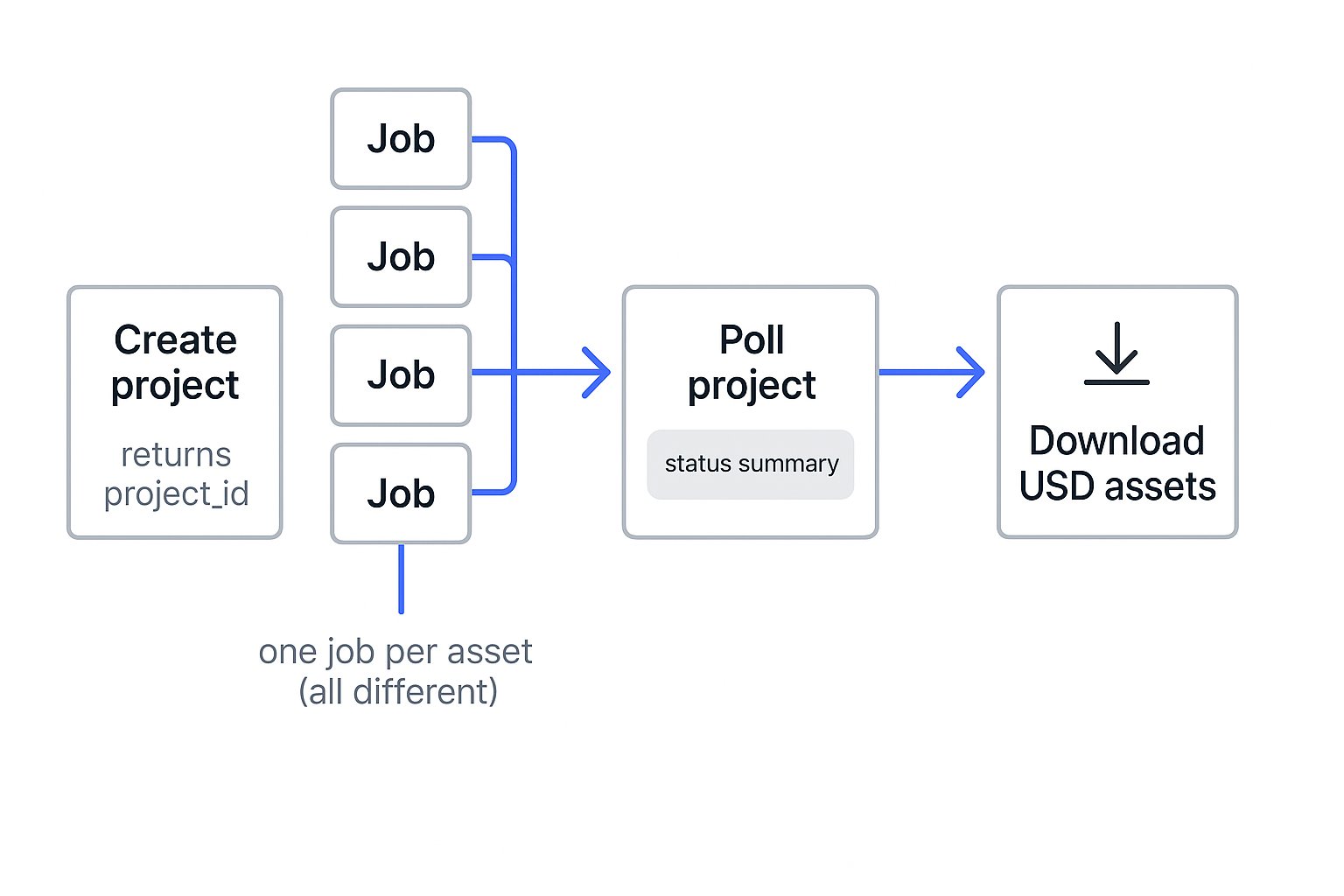
Create a project once, fan out one generation per asset, then poll the project for combined progress.
Track the batch
CallGET /api/v1/projects/{project_id} to receive aggregate status counts and up to 1,000 generations. This lets you monitor the batch without polling every asset.
curl
GET /api/v1/assets?project_id={project_id}. Add &status= to filter the list by status.